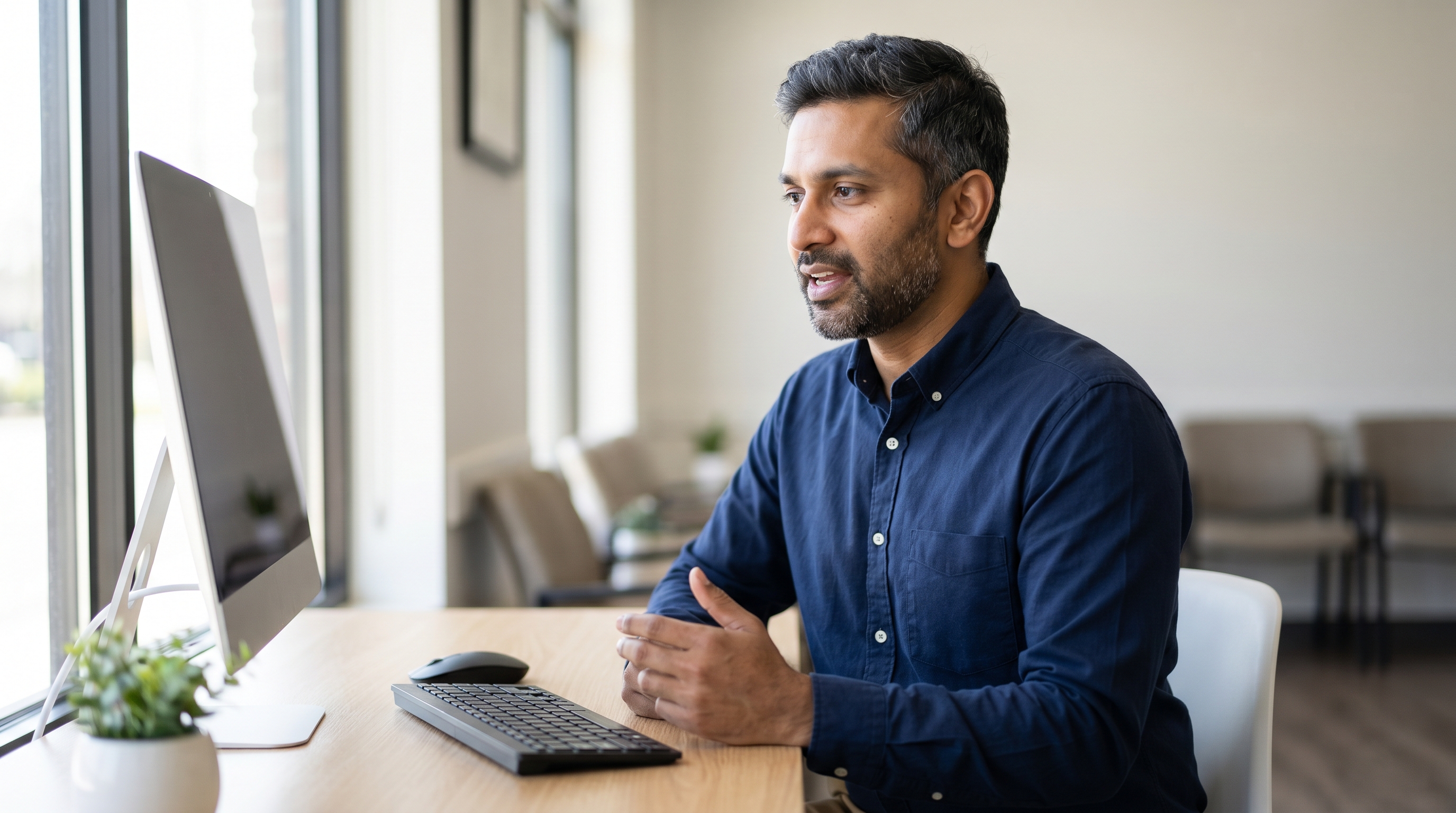
Most Indian physicians already do the hard part. You consult in English, you think through your notes in English, and you write your letters and records in English. The bottleneck is not language - it is the typing. Every report, referral and discharge summary is time spent at a keyboard instead of with the next patient, or time taken home at the end of the day.
Speech recognition closes that gap. Instead of typing, you speak, and the words appear in your clinical software in real time. For doctors who already dictate to a typist, or who lose evenings to paperwork, the shift is straightforward: the same documentation, produced in a fraction of the time, by you, as you go.
Why does documentation take so long in the first place?
The administrative load on clinicians is heavy and well recognised. Notes, letters, referrals and summaries stack up across a day, and most of it is effectively written twice - once in your head, once on the keyboard. Typing is slow compared with speech. Most people speak far faster than they type, and for clinicians who never trained as touch-typists the gap is wider still.
The common workaround in India is a typist or a transcription service. That works, but it adds cost, a delay between dictation and a finished document, and a correction loop when the transcript comes back. Speech recognition removes the middle step: you dictate and the text is there immediately, ready to check and sign.
Does speech recognition understand Indian accents?
This is the question most doctors ask first, and it is a fair one. Older speech systems leaned on fixed accent models and struggled with anything outside them.
Modern speech recognition works differently. Dragon Medical One adapts to the individual speaker. Rather than forcing you into one fixed pronunciation, it learns how you personally say words and tunes its recognition to your own voice, so clinicians speaking English with an Indian accent get accurate recognition - and that accuracy continues to improve the more you use it. Because the system is built around the individual rather than a single regional template, it handles the range of accents found across Indian English, and the words you actually say end up correctly on the page.

What about medical terms and different specialties?
General-purpose dictation tools fall down on clinical vocabulary. Drug names, anatomy, procedures and abbreviations are exactly where a consumer tool inserts the wrong word.
Dragon Medical One is built for clinical language. It carries medical vocabularies across multiple specialties - from general medicine to cardiology, oncology, radiology, orthopaedics and more - so the terms you use every day are recognised without you spelling them out. You select your specialty and the relevant vocabulary loads, and you can add your own terms, shortcuts and templated phrases on top. For a cardiologist and a radiologist, the experience is tuned to each, not a one-size-fits-all dictionary.
How much time does it actually save?
The honest answer depends on how much you document and how much you currently type or outsource. But the mechanism is clear. Dictation runs at the speed of speech rather than the speed of typing, and the finished note exists the moment you stop talking - no waiting on a typist, no second correction cycle.
- Limited by typing speed
- Delay while a typist turns it around
- Correction loop on the returned draft
- Ongoing salary or per-line cost
- Runs at the speed of speech
- Finished note the moment you stop talking
- You review and sign on the spot
- One per-user subscription
For a doctor who currently types their own notes, the recovered time is the difference between speaking and typing - every document, every day. For one who uses a typist, it is the removal of cost and turnaround delay. Either way the gain compounds across a week, and most of it lands where it matters: letters and records finished during or right after the consultation, rather than after hours.

Does it fit into how I already work?
Dragon Medical One runs as a lightweight application on your Windows PC while the recognition processing happens in the cloud, hosted on Microsoft Azure. It dictates into the Windows software you already use, so it sits on top of your existing workflow rather than replacing it. The PowerMic Mobile app turns a smartphone into a wireless microphone, so you are not tied to one machine and can move between rooms and terminals.
For practices and hospitals deploying across many clinicians, there is centralised administration and support for virtual desktop environments. Setup, remote installation and one-on-one training are handled for you, which matters more than any feature list when you are busy.
Is it worth the cost?
Dragon Medical One is a per-user subscription that includes the software, the PowerMic Mobile app, remote installation, training and support. Weighed against a typist’s ongoing salary or per-line transcription fees - and the delay those introduce - many clinicians find the subscription compares well, particularly once documentation moves back into the consultation itself. Contact us for current India pricing so you can measure the saving against your own workload.
Where to start
If you document in English and lose time to typing or transcription, speech recognition is one of the few tools that pays you back in time every single day. The clinical product used for this work is Dragon Medical One. You can read more about Dragon Medical One and how it is deployed and supported in Australia, or explore Dragon Medical One and request pricing through Voice Recognition Australia, the authorised Dragon reseller behind Dragon Software India. To see how it sits alongside the other Dragon products, compare the full Dragon range.
Pricing and availability accurate at time of publication and may change. Verify current details before making a purchasing decision.