
Dragon Professional 16 - Desktop Speech Recognition for Windows
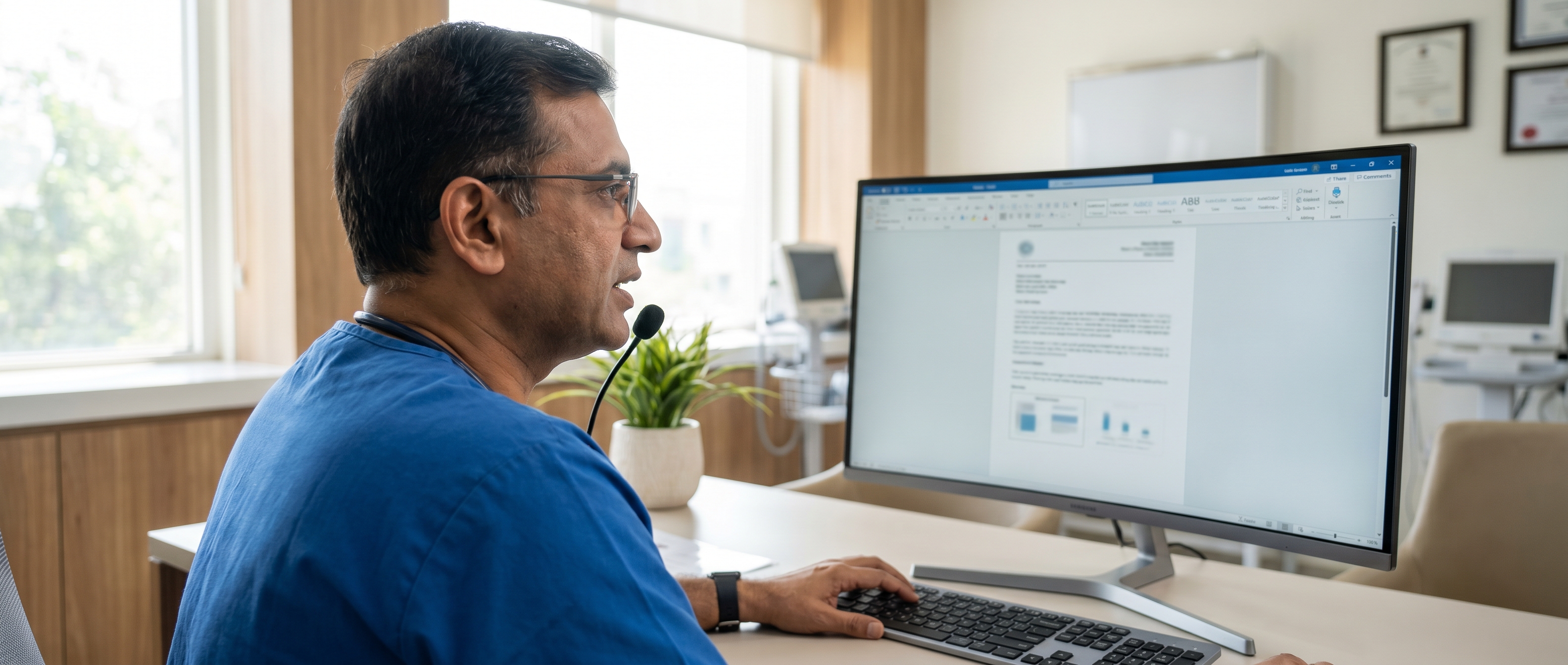
The locally installed professional speech recognition suite for Windows 10 and 11. Dictate into any application, transcribe single-speaker recordings, and automate workflows with custom voice commands. Works offline after activation. Dictate up to three times faster than typing (Nuance claim).

What Dragon Professional 16 includes
- ✓Real-time dictation into Word, Outlook and hundreds of Windows applications
- ✓Transcribe single-speaker audio recordings (MP3, WAV, WMA, DSS, DS2)
- ✓Custom vocabulary - add industry terms, names and shortcuts
- ✓AutoText - speak a short phrase to insert a full paragraph
- ✓Voice macros to automate multi-step Windows workflows
- ✓Works offline after installation and activation
- ✓Hands-free PC control, navigation and dictation
- ✓Windows 10 and Windows 11 compatible; works with Microsoft 365 and Teams
Frequently asked questions
How much does Dragon Professional 16 cost in India?
Contact us for current India pricing. Dragon Professional 16 is a one-time perpetual licence.
Does Dragon Professional 16 require internet to use?
No. After installation and activation, Dragon Professional 16 operates without an internet connection. An internet connection is required only for the initial download and product activation.
Can it transcribe audio recordings?
Yes - single-speaker recordings only. Supported formats include MP3, WAV, WMA, DS2 and DSS. It cannot transcribe multi-speaker conversations or meetings.
Which microphone should I use?
Dragon works with a range of USB and 3.5mm microphones. A dedicated dictation microphone or USB headset provides the best accuracy.
What is the difference between Dragon Professional 16 and Dragon Medical One?
Dragon Professional 16 is a locally installed desktop product for general professional use. Dragon Medical One is cloud-based with medical specialty vocabularies built in and requires no voice training.
Other Dragon products
Questions about Dragon Professional 16?
Tell us about your work and we will help you choose the right Dragon product and get set up quickly, with pricing and a free trial.
- Your profession and how you plan to use Dragon
- Number of users
- Desktop or cloud preference
- Microphone recommendations